What it does
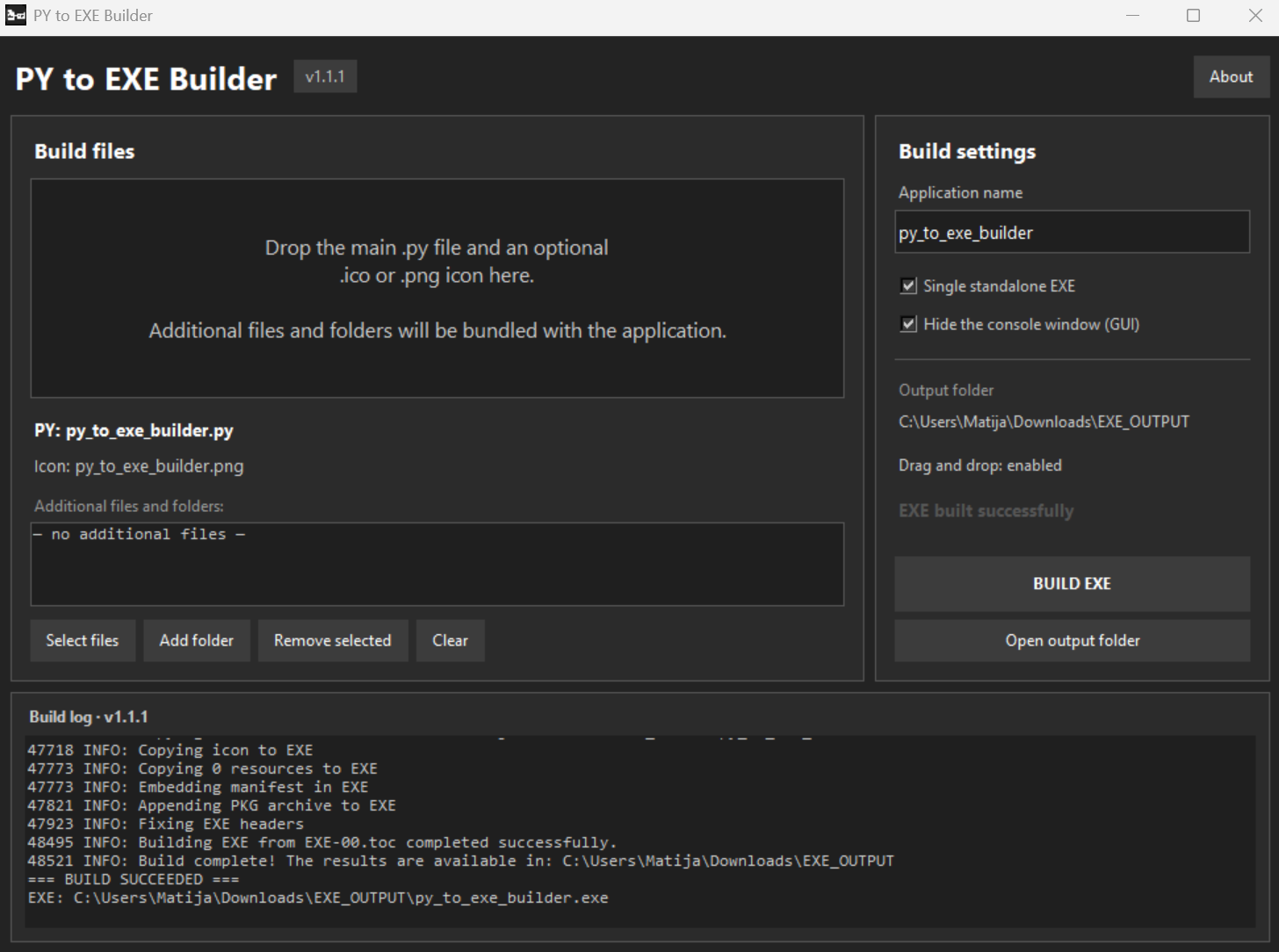
PY to EXE Builder makes it easy to turn Python scripts and projects into Windows applications without manually configuring PyInstaller commands. Simply add the main Python file, an optional ICO or PNG icon, and any additional files or folders required by the application. Choose between a single standalone EXE or a folder-based build, select whether the console window should be displayed, and start the build with one click.
The program can automatically install missing build packages, convert PNG icons into multi-resolution ICO files, and place the finished application in a clearly marked EXE_OUTPUT folder. It is designed for Windows 10 and Windows 11 and is free to use, modify, and distribute under The Unlicense.
What you get
- ✓- Easy-to-use
- ✓- Create an executable from phyton app
- ✓- For small projects
- ✓- Drag and drop